March 2026 was a big month for digital marketing – and if you regularly follow SEO and digital marketing updates, this one had a lot you wouldn’t want to miss. Google, Meta, LinkedIn, YouTube, and Perplexity all made moves that could directly affect your content, your ads, and your search rankings. I’ve covered all 14 updates right here – simple, no jargon, straight to the point. Let’s get into it.
Meta’s New Attribution Update: What Changed and Why It Matters
If you’re running Meta ads, this update is something you really need to pay attention to.
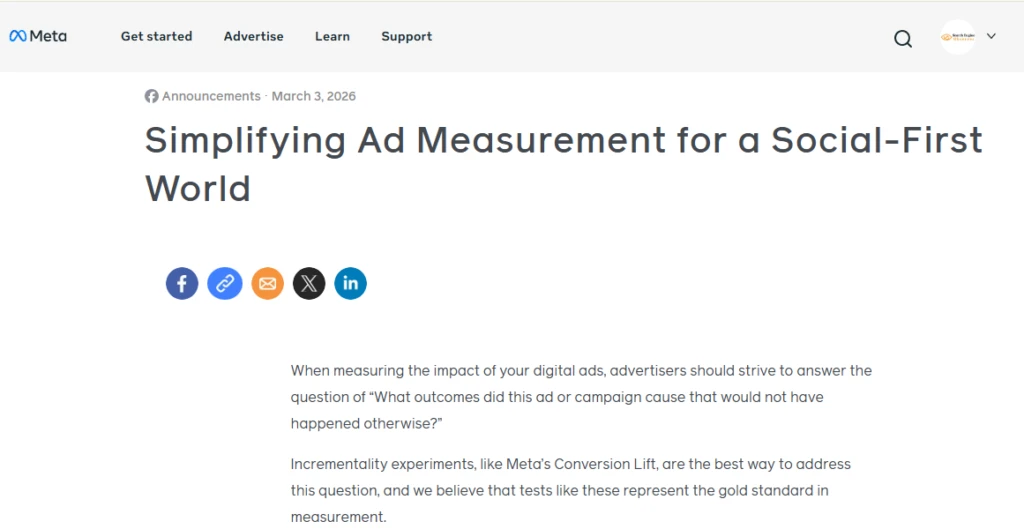
On March 3, 2026, Meta changed how it tracks conversions. Earlier, it used only two models – Click-through and Engaged View. The problem? All non-click interactions were dumped into one bucket, making it really hard to understand what was actually driving results.
So Meta split it into three clear types:
- Link-through – When someone clicks your ad and takes action, like opening a landing page or a lead form. This is your strongest signal – the user meant business.
- Engage-through – Likes, comments, shares, saves. No click, but real interaction. This shows brand interest, not just passive scrolling.
- View-through – The user only saw your ad. No click, no like – just eyeballs.
Why does this matter? Because earlier, someone who just glanced at your ad and someone who actively engaged with it were often counted the same way. That inflated your metrics and gave you a blurry picture of your actual performance. Now you get cleaner data, smarter retargeting, and a much more honest look at what’s actually working.
Google Adds Website Snippets for Recipes in AI Mode
If you run a food blog or recipe website, this one’s for you.
On 4th March 2026, Google made a small but significant change to its AI Mode. When a user searches for a recipe and Google’s AI generates an answer, it now shows a sidebar with snippets from the original source websites that were used to create that response.
So if Google’s AI is using your recipe to answer someone’s query, your website will actually get credited and visible in that sidebar – instead of just being silently consumed in the background. This was confirmed by Robby Stein, VP of Product at Google Search, in a tweet:
We've heard feedback on recipe results in AI Mode, and we’re making updates to better connect people with recipe creators on the web. Starting today, when you search for meal ideas like “easy dinners for two,” you can tap on the dish to see links to relevant recipe sites, plus a… pic.twitter.com/kNKTAEC0Q7
— Robby Stein (@rmstein) March 4, 2026
Why did Google do this?
Honestly? Pressure. The food blogging community had been vocal about AI Mode essentially “stealing” their content – traffic was dropping because users were getting full recipe answers directly on Google without even visiting the actual website. This was Google’s way of acknowledging that concern.
There’s another angle too – if the AI misinterprets a cooking step or gets something wrong, Google can now point to the source, shifting accountability back to the original content.
What does this mean for you?
If you create recipe or food content, keep publishing quality, well-structured content. Google’s AI is pulling from it – and now at least giving you some visibility in return.
Google Launches Merchant Center for Agencies
Managing multiple client accounts on Google Merchant Center used to be a real pain – logging in, logging out, switching profiles, repeat. Sound familiar?
Well, Google finally heard us. On 11th March 2026, they launched a dedicated Merchant Center for agencies – one single dashboard where you can manage all your clients’ accounts at once. Simple as that.
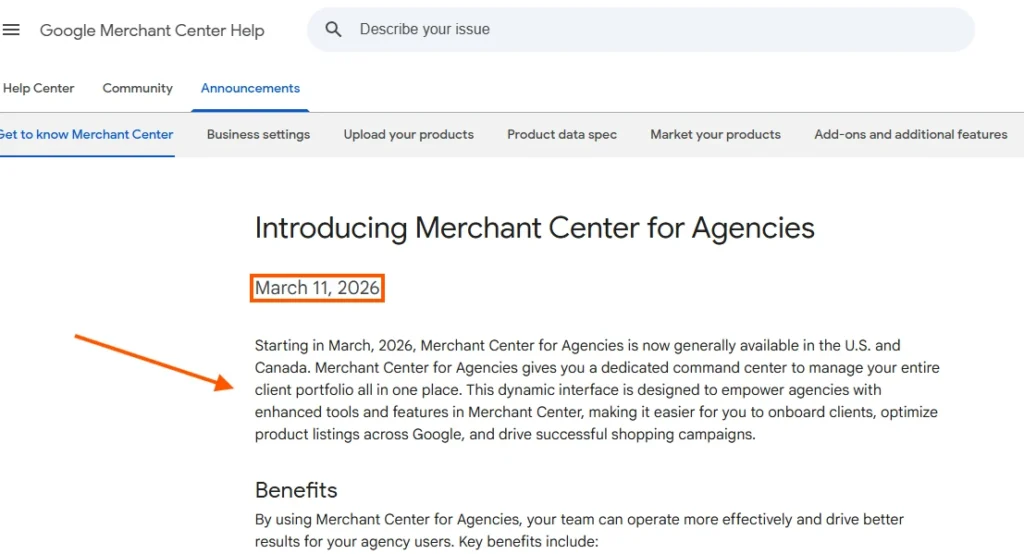
One thing to keep in mind though – right now it’s only available in the US and Canada. If you’re outside these regions, hang tight, it should roll out globally soon.
Google Expands Branded Query Filter to Everyone
You know how in Google Search Console, you always wanted to separate your branded traffic from non-branded traffic – without manually filtering it every single time?
Google made it official on 12th March 2026. The Branded Query Filter is now available to everyone in Search Console.
What this means is – you can now easily filter your search performance data based on whether someone searched specifically for your brand name or just a generic keyword. This gives you a much cleaner picture of:
- How your brand is actually performing
- How your non-branded SEO efforts are doing separately
No more mixing up the two and getting confused about where your traffic is actually coming from.
LinkedIn Updates Its Feed Algorithm
If you’ve been posting on LinkedIn and wondering why some posts perform well while others don’t, this update explains it.
On March 12, 2026, LinkedIn changed its feed algorithm. Now, it uses AI to understand your content and show it to people who are actually interested in it-not just your connections.
This means reach is no longer about who you know, but how relevant your content is. But here’s the part that should really get your attention –
LinkedIn is now actively demoting engagement bait posts. You know those posts that say “Comment YES to get this free PDF” or “Like this if you agree”? LinkedIn’s AI can now identify these and push them down in the feed.
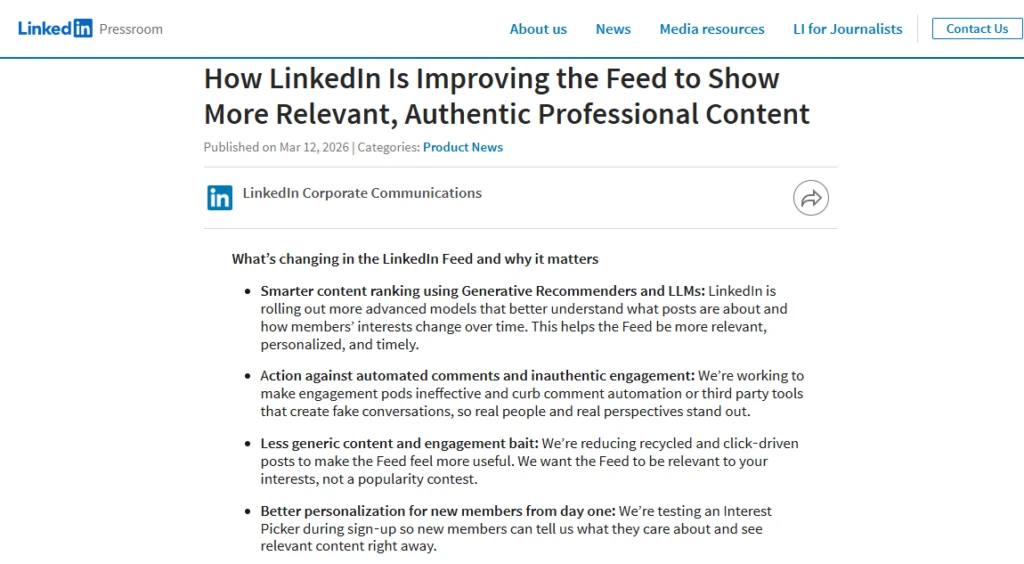
The message is clear – genuine, useful content wins. Tricks don’t. So if you’re creating content on LinkedIn – stop trying to game the algorithm. Focus on saying something genuinely useful. That’s what wins now…
Google Tests Sponsored Shop Feature in Shopping Ads
You’ve seen Google Shopping ads – search for something, and individual products appear with images and prices. But what if, instead of promoting just one product, you could promote your entire store?
That’s exactly what Google started testing on March 16, 2026 with the Sponsored Shop feature.
Think of it like this – the old way was like putting up a poster of just one product outside a mall. Only people interested in that specific thing would walk in. But with Sponsored Shop, you’re putting up a billboard for the entire mall – people walk in, browse around, and buy whatever catches their eye.
This update was first spotted by PPC Specialist Arpan Banerjee, who shared the screenshot on LinkedIn. It was later covered by Search Engine Land.
Why is this a big deal?
Because it opens up so many more possibilities for a sale. Instead of betting everything on one product catching someone’s eye, you’re giving them your whole catalog to explore. This is especially exciting for small and mid-size e-commerce businesses who want more visibility without running dozens of individual product ads.
Keep in mind – it’s still in testing phase, so it’s not available to everyone just yet. But definitely a feature worth watching.
Google Gemini Now Knows You Better Than You Think
Imagine asking Google for tire recommendations and it already knows your car model – because it pulled a photo from your Google Photos. Creepy? Maybe. Useful? Absolutely.
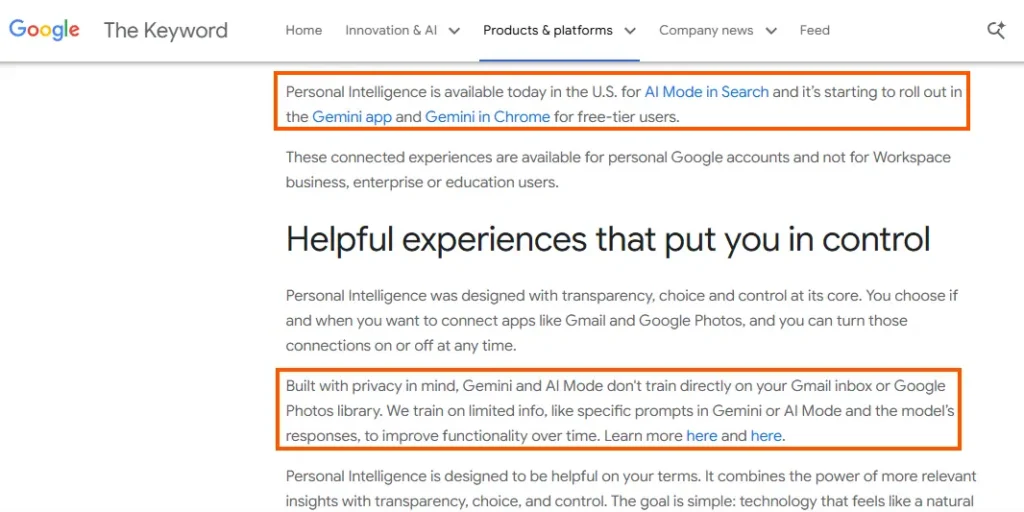
On 17th March 2026, Google expanded Personal Intelligence to all free users in the US – on AI Mode in Search, the Gemini app, and Gemini in Chrome.
So basically, Gemini now connects to your Gmail, Google Photos, YouTube, and Drive – and uses all of that to give you answers that actually make sense for you. Not some random person. YOU.
Going on a trip? It checks your Gmail for hotel bookings and your Photos for past travel memories – and builds you a personalized itinerary. Shopping? It already knows what you’ve bought before. Tech issue? It finds your purchase receipt in Gmail so you don’t have to.
And before you panic – it’s completely opt-in. You decide which apps to connect. You can turn it off anytime. Google also confirmed they’re not training their AI directly on your personal data.
Perplexity’s Comet Browser Is Using Google for Local Searches on iOS
Okay, this one’s a bit surprising.
On 19th March 2026, it was revealed that Perplexity’s iOS browser Comet is quietly using Google for local searches and map-related queries – instead of its own search engine.
Yes, a Google competitor is using Google. A little ironic, right?
But honestly, it makes sense. When it comes to local search – finding nearby restaurants, directions, local businesses – Google’s data is still unbeatable. Perplexity knows that, and instead of giving users a bad experience, they just went with what works best.
Sometimes the smartest move is knowing when to use someone else’s strengths. Don’t just take my word for it – here’s what Perplexity CEO Aravind Srinivas had to say about this decision:
Google is the default search engine on Comet iOS (unlike on Comet desktop): Most mobile browser searches are around navigating to restaurant or local shops, checking scores, shopping, hotels. Google does a much better job here than anyone else in the world, including Perplexity.
— Aravind Srinivas (@AravSrinivas) March 18, 2026
Google Is Now Changing Your Headlines – And Publishers Are Not Happy
Imagine spending hours writing the perfect headline – and Google just rewrites it. Without asking. Without even telling you.
That’s exactly what started happening around 20th March 2026. Google began testing AI-generated headlines in search results, replacing what publishers originally wrote – sometimes shortening them, sometimes changing the meaning entirely.
Google says it’s to better match user queries. Publishers say it’s an overreach.
It’s still a small test for now – but definitely something to keep an eye on. And if you’re a content creator? Keep your headlines clear and to the point – give Google less reason to touch them.
Google’s New Rule for E-Commerce Stores – Check Your Buy Buttons
Quick question – if a product on your website is out of stock, what does your “Add to Cart” button look like right now?
Is it hidden? Still active? Or properly greyed out?
Because on 20th March 2026, Google made it very clear – if a product is out of stock, your buy button must be visibly greyed out and disabled. That’s it. No hiding it, no removing it, and definitely no leaving it active.
And if you’re thinking “okay but why does this even matter?” – here’s why. Google now treats an active buy button on an out-of-stock product as misrepresentation. That’s one of the most serious violations in Google Merchant Center. Your products can get disapproved and your Shopping ads can stop running. Just like that.
So go check your out-of-stock pages right now – better safe than sorry!
Google Launches Spam Update – And It Was Over Before You Knew It
On 24th March 2026, Google rolled out a Spam Update. But here’s the interesting part – it was already done by 25th March. The whole thing finished in just 24 hours!
It was one of the shortest spam updates Google has ever rolled out.
So what happened exactly? Google basically told its AI system SpamBrain – “go find the bad, spammy websites and push them down.” And SpamBrain did exactly that. Quietly. Quickly. Done.
If your website didn’t have spammy content – you probably didn’t even notice it happened.
But if you saw a sudden drop in traffic around that date – well, now you know why.
Today we released the March 2026 spam update. We'll update our ranking release history page when the rollout is complete: https://t.co/CwCjstgv0H
— Google Search Central (@googlesearchc) March 24, 2026
YouTube Is Testing AI-Generated Summaries Instead of Video Titles
On 27th March 2026, YouTube started testing something that has creators a little worried. Instead of showing the original video title, YouTube is now testing AI-generated summaries in its place – basically letting its AI decide what your video is about and showing that to viewers instead.
The idea makes sense on paper – some titles are clickbaity and don’t really tell you what’s inside. So YouTube’s AI steps in with a more honest description.
But if you’re a creator, your title is your hook. It’s how you grab attention. An AI summary might be accurate – but will it be exciting enough to make someone click? That’s the real question.
Still in testing phase for now. But worth keeping an eye on!
Google Launches Veo in Google Ads – Make Videos From Just 3 Photos
Tell me if this sounds familiar – you want to run video ads, but hiring a production team feels way out of budget. So you stick to static image ads and hope for the best.
Well, Google just changed that.
On 27th March 2026, Google launched Veo inside Google Ads’ Asset Studio. Here’s all you need to do – upload up to 3 product photos, and Veo automatically turns them into a 10-second video ad. No camera, no editor, no extra cost.
Pair it with Nano Banana and you can enhance your images first, then convert them into videos – all without leaving Google Ads.
For small businesses and solo marketers, this is genuinely exciting. You don’t need a big budget anymore to show up with video ads on YouTube. Just good product photos – and you’re in.
Did Google’s March Core Update Hit Your Website?
If your website traffic suddenly dropped around 27th March 2026 – here’s why.
Google launched its first broad Core Update of 2026 on that day. It took 12 days to fully roll out, finally completing on 8th April.
So what changed? Google basically raised the bar for content quality. Pages that just repeated what everyone else was already saying – with no original insight, no real expertise, nothing new to add – took the biggest hits.
But if your content is genuinely helpful and written with real experience? You probably held your ground. Some sites even gained rankings.
The rollout was complete as of April 8, 2026.
— Google Search Central (@googlesearchc) April 8, 2026
Google’s message is pretty clear here – write for people, not for algorithms. And if you did see a drop, don’t rush into making big changes. Wait for the dust to settle, look at your data, and then focus on making your content more useful. That’s the only fix that actually works.
March Was Just the Beginning
14 updates. One month. And this pace isn’t slowing down anytime soon. But if there’s one thing every single update this month had in common – it’s this: quality wins. Genuine content, clean data, real engagement. That’s what every platform is rewarding right now.
So don’t chase algorithms. Just keep creating things that actually help people – that’s the only strategy that holds up long-term. I’ll keep breaking these updates down every month so you don’t have to chase them yourself.
April’s already moving fast. See you there.
Which of these updates surprised you the most? Drop it in the comments.
Also, if you want to understand the previous update that set the foundation for these changes, check out our guide on Google SEO Updates February 2026 – What Changed & Why It Matters.